
Core
US$45
per month
Includes
- Unlimited projects
- Every included tool: 3D modelling, layered maps, the calculation engine
- Build and share your own automations
- PDF drawing sets and IFC export
- View-only project sharing: viewers are free
AI-powered design tools for architects and town planners who consider place, design and feasibility at the same time.
Viewers are free.
Used by architects at




A-001 · The brief
Traditional BIM is too cumbersome to enable strategic design.
The result is less considered design, painful delivery and clients unhappy with the time and cost.
Strategic design today
In Giraffe
Design for feasibility and speed.
→ site · massing · yield · costs · presentation, in one model, in real time
01 · Drawing
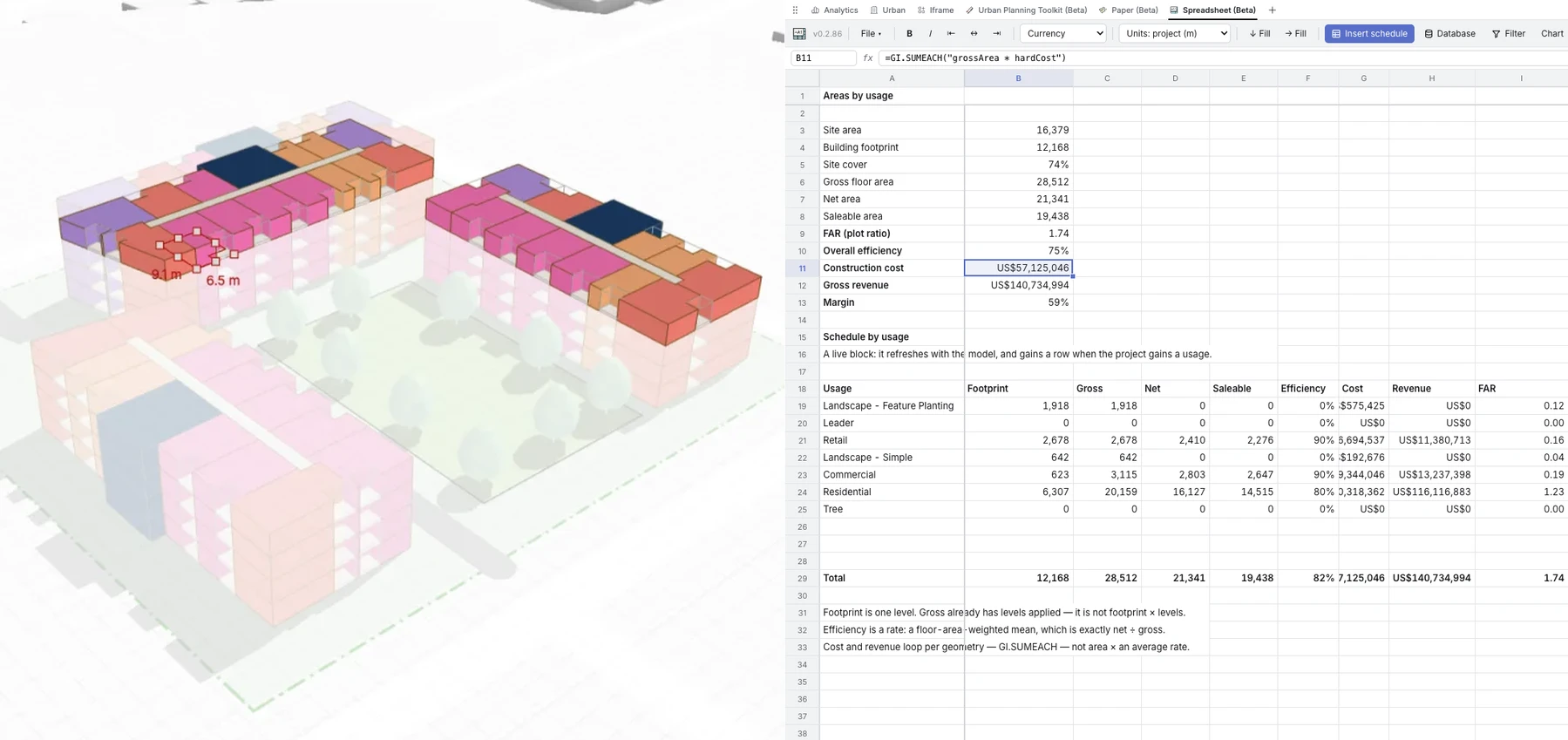
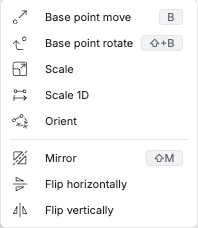
Draw simple 3D geometries that represent enclosed space. Do it on the map, to scale and in context. Areas and perimeters, with adjustable efficiency assumptions, together with parking, unit and landscape calculations, are done automatically.

02 · Presentation
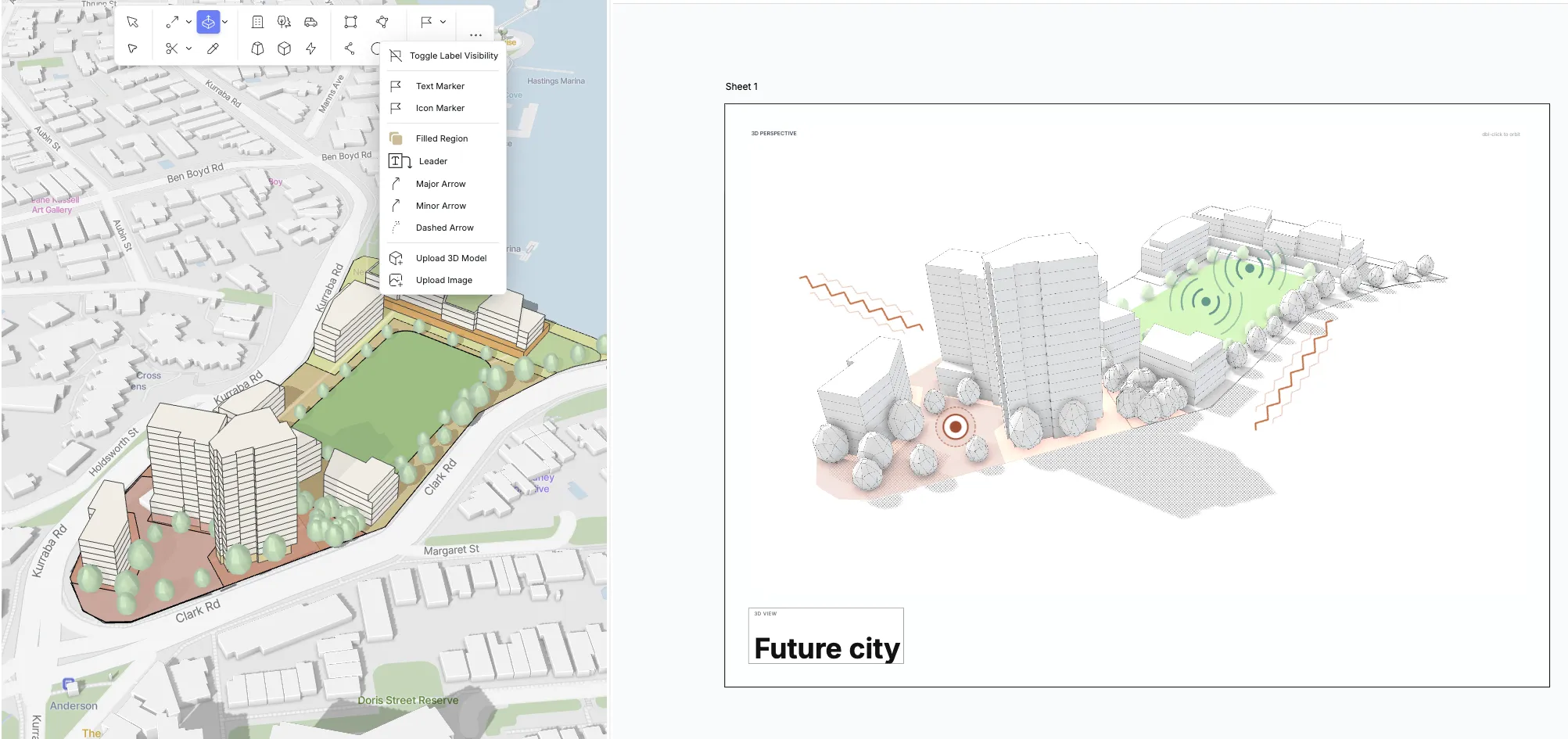
The model that drives the numbers can be exported in many formats. Giraffe has tools for interactive presentations, paper presentations and slide decks. Most people use it live.
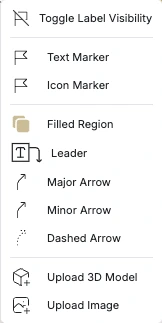
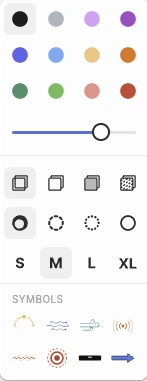
03 · Data
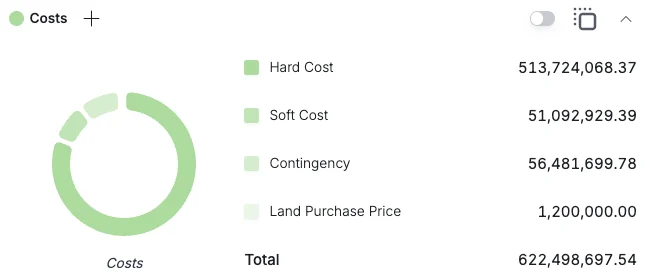
Giraffe structures building information flexibly and simply. Don't drown in overcomplicated, bloated software. Giraffe actually lets the computer aid design instead of hindering it.
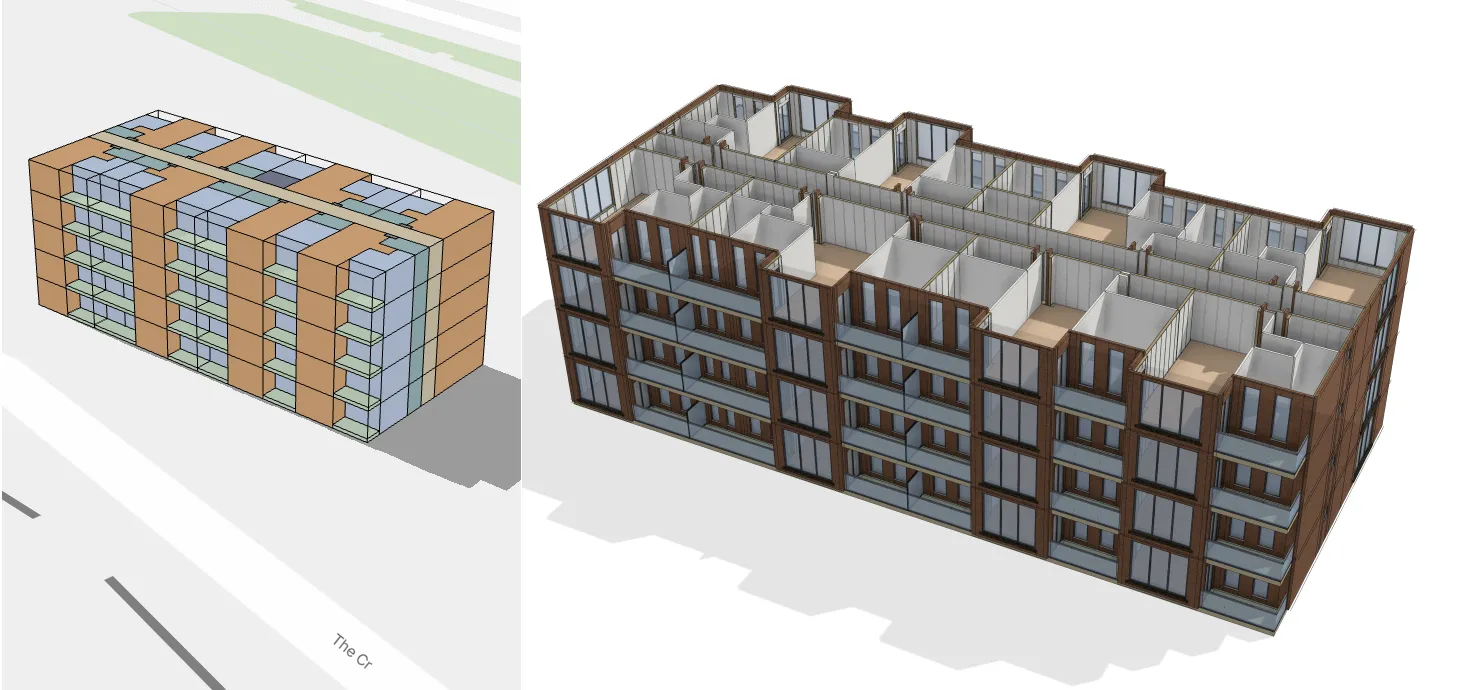
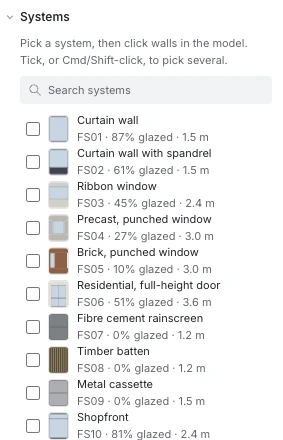
04 · Automations
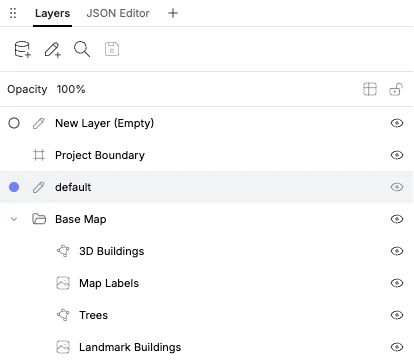
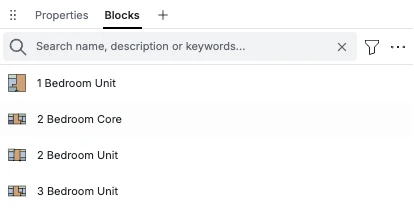
Giraffe does your knowledge management. Blocks, plans, calculations and automations are all saved and searchable, project to project. Share them, and work faster.
Designing with bespoke apps built by LLMs is an incredibly efficient way to work. The video shows an urban design and its design report produced in under 40 minutes.
A-150 · Also in the box
Included apps
In the box
A rich ecosystem of paid and free apps
Hover an app to see what it does.
Everything you build can be shared with your team, your clients, or on our marketplace.
Marketplace automations are priced by their makers, separately from your subscription.
A-140 · From practice
Giraffe isn't just about making something look good—it's about a fundamental shift in how we approach and think about urban design.
The drawing tools make it easy to iterate rapidly and get metrics instantly. Immediate context is always there—critical for early stage design.
I use Giraffe every day at this point as part of my toolbox. It shows me downtown Oakland when I open it and makes me smile before I start work.
A-401 · Giraffe and traditional software
Giraffe covers the work before construction documentation: site and context, massing and options, areas and feasibility, planning submissions and presentation. Giraffe exports IFC for consultants who work in BIM.
Early-stage work today
In Giraffe
→ planning set (PDF) · IFC · area schedules · a shareable link
| Workflow | Traditional software | In Giraffe |
|---|---|---|
| Test three massing options on a site | Each modelled in traditional software, areas exported to a spreadsheet | Generated from rules in one model, with areas and yield beside each |
| Bring in site context | Imported from a GIS or survey and positioned | Parcels, zoning and terrain from the map, already geolocated |
| Respond to a design change | Model views update; the spreadsheet and boards are updated separately | Areas, schedules and sheets update from the model |
| Issue a planning-stage set | Sheets, views and tags set up in traditional software, boards laid out in InDesign | Sheets drawn from the model, exported to PDF |
| Share the model with a client or council | PDFs and images, or a separate cloud viewer | Send a link; viewers are free |
| Hand over to a consultant | Native files, IFC and DWG | IFC, DXF and PDF |
| Software cost per designer | A traditional software subscription, around $3,000 a year at list price | $45 a month ($540 a year) |
Assumes early-stage work on a mid-size residential or mixed-use project. The traditional software price is an indicative US list price for one annual subscription; your agreement, region and the rest of your stack will change it.
A-501 · Pricing
Core
US$45
per month
Includes
Teams*
US$1,500
per user per year
Everything in Core, plus
No trial for Teams: create your account from the admin menu after signing up.
Get startedA-550 · The rest of Giraffe
Giraffe Code
Build once, reuse on every project. Write your own apps in JavaScript, by hand or with an LLM, and run them inside Giraffe beside the model.
Explore Giraffe Code →Giraffe City
The same model for strategic planners and urban designers in government: test controls, design precincts and engage the community.
Explore Giraffe City →Giraffe Developer
Development teams use Giraffe to find, evaluate and underwrite real estate opportunities.
Explore Giraffe Developer →A-601 · Requests for information
Most of what a practice issues is a PDF. Giraffe issues plans, sections, area schedules and presentation sheets as PDF, straight from the model, and exports IFC for consultants who work in BIM. Import DWG, shapefiles and other formats. If a contract mandates native files from traditional software, keep a seat of it for that job. You won't need one for everyone in the studio.
An afternoon to be useful. Giraffe runs in a browser with nothing to install and no family editor, and it is built to be self-taught, with guidance, tutorials and templates inside the product. For teams that want more, we run tailored onboarding and training for your team.
You do. Your practice writes them, in code or by describing them to AI, and shares them on your terms: your team, your clients or your consultants. Nothing runs in a project unless someone on your team put it there.
SOC 2 Type II and ISO 27001 certified. Single sign-on through SAML and OIDC, role-based access and audit trails. Your models are yours, and export to IFC and PDF whenever you like.
Viewers are free, so they open the live model in a browser without buying a licence. Consultants who work in BIM get IFC.
You are, as you are now. Automations propose; every line can be checked, moved or overruled, and nothing is issued until you issue it.
We sell an amazing product at a reasonable price. Our marketplace has paid apps on top of the free ones.
No. Start with one project, or with the people who don't document. Run Giraffe beside your traditional software and move work across at your own pace.